Understanding Toxic Backlinks
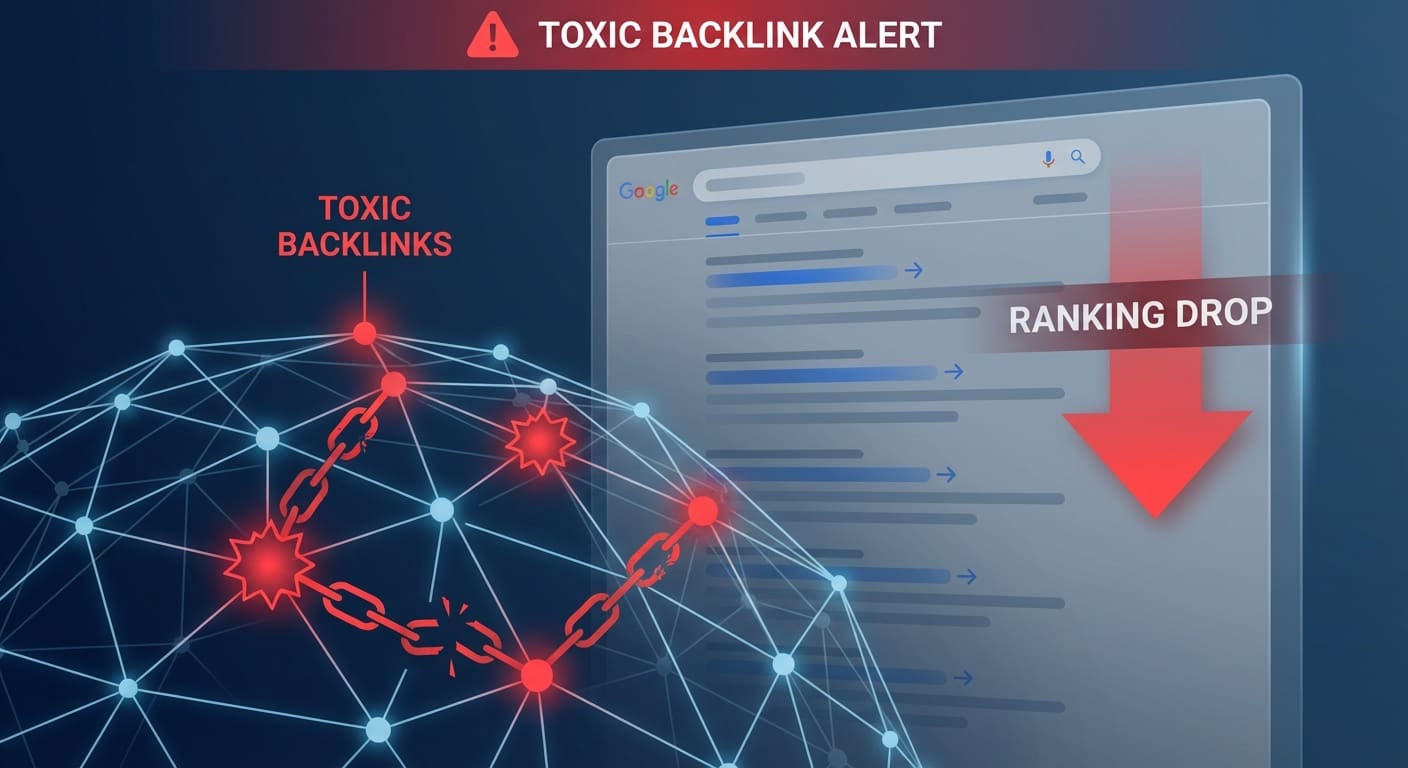
Toxic backlinks are links from low-quality or spammy websites pointing to your site. They can severely damage your SEO performance and online reputation. Understanding what they are and how they impact your site is the first step toward protecting your digital presence.
What Are Toxic Backlinks?
Toxic backlinks originate from websites that search engines consider unreliable or low-quality. Common sources include:
- Link farms: Sites that exist purely to manipulate search rankings by linking to numerous unrelated sites without providing real value
- Spammy blogs and forums: Websites with comment spam, forum spam, or auto-generated content designed to deceive users and manipulate rankings
- Unrelated niche sites: Links from completely irrelevant industries that create suspicious linking patterns
- Malware and phishing sites: Websites flagged for hosting harmful content
- Ad networks and redirect sites: Pages filled with ads or designed solely to redirect traffic
Toxic backlinks typically come from sites with poor user experience, excessive ads, low domain authority, and no legitimate business purpose.
How Toxic Backlinks Impact Your SEO

The consequences of toxic backlinks can be severe:
- Lower search rankings: Google penalizes sites with suspicious backlink patterns, pushing you down in search results
- Loss of credibility: Potential customers see your site linked from disreputable sources and lose trust
- Manual penalties: Google may manually review and penalize your site if they detect unnatural linking patterns
- Reduced traffic: Lower rankings mean fewer visitors, leading to decreased conversions and revenue
- Damaged domain authority: Your overall site authority decreases as toxic links drag down your metrics
Real-world example: An e-commerce site notices a sudden ranking drop after a link from a suspicious “pharmacy” site appears in their backlink profile. Within weeks, organic traffic plummets 40%, directly impacting sales.
Identifying Toxic Backlinks
Tools for Analyzing Backlinks
Professional backlink analysis tools help you quickly identify toxic links. The main options:
- Ahrefs: Comprehensive backlink analysis with Domain Rating (DR) and URL Rating (UR) metrics. Site Explorer shows competitor backlinks to identify patterns
- Moz Link Explorer: Provides backlink insights with a Spam Score metric indicating likelihood of problematic links. Shows Domain Authority for linking sites
- SEMrush Backlink Audit: Automated toxic link detection with regular audits and notifications for new suspicious links
- Google Search Console: Free tool showing linking domains and basic backlink information. Limited but essential for basic analysis
- Majestic: Uses Trust Flow metric to measure link quality. Offers comprehensive backlink lists for detailed analysis

Red Flags That Indicate Toxic Backlinks
Beyond tools, watch for these warning signs:
- Low domain authority (DA < 20): Backlinks from weak sites contribute little positive value
- Unrelated industry: Links from completely different niches appear unnatural to search engines
- Over-optimized anchor text: Repeated use of exact-match keywords like “buy cheap shoes” signals manipulation
- Obvious link farms: Sites with hundreds of links to unrelated content and minimal real content
- Poor user experience: Cluttered layouts, excessive pop-ups, ad-heavy pages indicate low-quality sites
- No contact information: Legitimate sites have contact details; suspicious sites hide theirs
- Recent domain registration: Very new domains linking to you are often temporary spam sites
- Automated or AI-generated content: Sites with obvious auto-generated text and no original value
Removing Toxic Backlinks
Strategy 1: Contact Site Owners for Removal
Direct outreach is your first option. Here’s the process:
Step 1: Gather Information – Identify the exact linking URL, the page it links from, and the anchor text used. Have this ready before contacting anyone.
Step 2: Find Contact Information – Look for contact forms, admin emails, or WHOIS information. Many site owners publish contact details in the footer or about page.
Step 3: Send a Professional Email
Subject: Link Removal Request

Hello [Site Owner],

I'm reaching out regarding a link on your page [PAGE URL] that links to my website [YOUR SITE].

I'm currently auditing my backlink profile and would appreciate it if you could remove this link, as it's no longer relevant to my content strategy.

Link to remove: [YOUR URL]
Page containing link: [THEIR PAGE URL]

Thank you for your assistance.

Best regards,
[Your Name]
[Your Contact Info]
Step 4: Follow Up – If you don’t receive a response within 7-10 days, send one polite follow-up. Avoid excessive follow-ups that appear spammy.
Step 5: Track Results – Document all contact attempts in a spreadsheet: site name, contact date, response received, action taken.
Success rate: Expect 20-40% of site owners to respond positively to professional removal requests.
Strategy 2: Disavow Toxic Links in Google Search Console
When site owners won’t remove links, use Google’s disavow tool to tell Google to ignore those links.
Step 1: Create a Disavow File
# Disavow file created: 2025-01-15
# Toxic links identified in backlink audit

http://spammysite.com/page-linking-to-me
domain:anotherspammy.com
http://linkfarm.net/bad-link

# Disavow entire domain if multiple toxic links exist
domain:totalspam.com
Format notes: Each entry on a new line. Use # for comments. Single URLs with “http://” or entire domains with “domain:” prefix.
Step 2: Upload to Google Search Console
- Log into Google Search Console for your property
- Go to Tools > Disavow Links
- Click “Disavow Links”
- Upload your prepared text file
- Confirm submission
Step 3: Monitor Changes – Processing takes time. Monitor your rankings and backlink profile for 4-12 weeks to see impact.
Important caution: Only disavow links after genuine removal attempts fail. Misuse can harm your SEO. Google recommends disavow as a last resort, not a primary strategy.
Preventing Toxic Backlinks in the Future
Building High-Quality Backlinks Instead
The best defense against toxic backlinks is building legitimate ones:
- Create exceptional content: Produce valuable blog posts, guides, tools, and infographics that naturally attract links from reputable sites
- Guest blogging: Write guest posts for established websites in your niche. Quality over quantity—focus on high-authority sites
- Network with influencers: Build relationships with industry leaders. Real connections lead to natural linking opportunities
- Target resource pages: Many niche websites curate resource lists. Reach out and request inclusion if your content fits
- Leverage social media: Share content strategically. Visibility increases organic linking from people who find your work useful
- Analyze competitor backlinks: Use Ahrefs or SEMrush to see where competitors get high-quality links. Explore similar opportunities for your site
- Participate in your industry: Answer questions on Quora, engage in forums, participate in discussions. Include links when genuinely relevant
- Create linkable assets: Original research, exclusive datasets, infographics, and tools attract links naturally
Continuous Backlink Monitoring
Prevention requires ongoing attention:
- Monthly monitoring: Use Google Search Console or Ahrefs to check for new backlinks regularly
- Quarterly audits: Deep dive into your backlink profile every 3 months. Assess quality of all linking domains
- Set up alerts: Configure notifications when new backlinks appear. Quick detection prevents damage
- Document findings: Maintain a spreadsheet tracking all backlinks, their quality scores, and any actions taken
- Track metrics: Monitor domain authority trends, ranking changes, and traffic patterns to spot backlink-related issues early
- Create a maintenance routine: Block off time monthly for backlink review. Consistency prevents problems from accumulating
Quick Action Checklist
If you suspect toxic backlinks:
- [ ] Run full backlink audit using Ahrefs, Moz, or SEMrush
- [ ] Identify links from low DA sites, unrelated niches, obvious spam
- [ ] Create list of top 20 most suspicious links
- [ ] Contact site owners for removal (professional, personalized emails)
- [ ] Document all contact attempts and responses
- [ ] Create disavow file for unresponsive sites after 2 weeks
- [ ] Upload disavow file to Google Search Console
- [ ] Monitor rankings and metrics for 4-12 weeks
- [ ] Continue monitoring backlink profile monthly
- [ ] Focus on building high-quality backlinks going forward
Conclusion
Toxic backlinks can seriously damage your SEO performance, but they’re manageable. The three-part approach works best:
- Identify: Use professional tools and manual review to spot toxic links early
- Remove: Contact site owners, then use Google’s disavow tool for stubborn links
- Prevent: Build high-quality backlinks and monitor continuously
Regular attention to your backlink profile protects your rankings, maintains your credibility, and keeps your site healthy long-term. Start with an audit today, and commit to monthly monitoring going forward. Your SEO performance depends on it.